top of page


All Ad Formats
Video Slider

Video format that slides in from the bottom right of a page once it has loaded. Features a ‘Close Ad’ button.
In-Stream Video (VAST)

Automatically plays when a user clicks on a video. Customizable with clickable calls to action. Has a ‘Skip Ad’ button.
Outstream Video
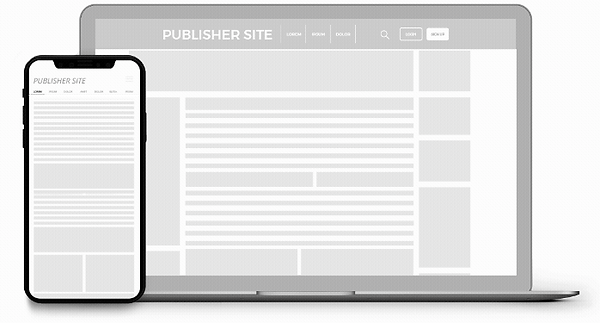
A responsive video format that can be placed anywhere on a site. It plays when more than 50% of it is revealed.
In-Video Banners

Displayed in a video player. Can be set to show on pre-roll, post-roll, pause or using custom triggers.
Video Banners

Short video content banners with optimized playback for a fast, glitch free user experience.
Push Notifications

Push Notifications icon + image or icon + text. Sent to opted in users on all devices even when offline.
Native Recommendation

Fully customizable widget that features a responsive or custom size image and a short text: title and description.
Native Interstitial

Overlays the page with ads. Has a smooth transition from the side of the page and can easily be dismissed.
Mobile Fullpage Interstitial

This format fills the full mobile screen when the user navigates a site. Has a ‘Close ad’ option on the top right.
Desktop Fullpage Interstitial

This format fills the full desktop screen when the user navigates a site. Has a ‘Close ad’ option on the top right.
Instant Message

Mimics an IM chat box. Appears on the bottom right of the page for desktop and on bottom center for mobile.
Large Footer

A large footer banner 900x250 used as an alternative to the other three standard 300x250 banners.
bottom of page